AI Options Backtesting, Live: How to Work With the Option Omega MCP
In a live launch demo, Troy McNeil and David Romeo connect AI to Option Omega, install TradeBlocks by asking, and show the checks Romeo runs on AI backtests.
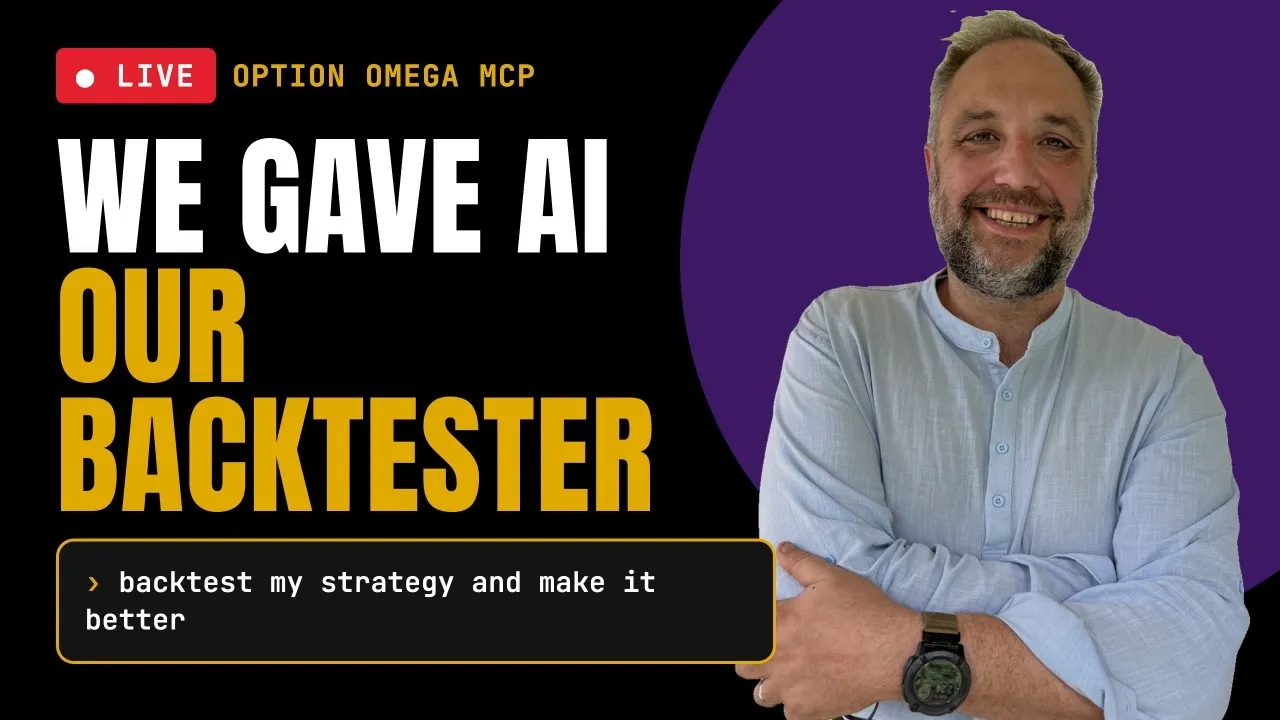
The Option Omega MCP went live the night before this stream, and hundreds of people were already using it. To show what it does, Troy McNeil and David Romeo (creator of TradeBlocks) ran a live, unrehearsed session: connect AI to Option Omega, install TradeBlocks without touching a terminal, and push a deliberately weak backtest through a series of plain-English questions.
We covered the strategy results in detail in How to Backtest an SPX Put-Selling Strategy With AI. The point of this stream was the workflow. As they put it near the end, the goal is for each person to be their own risk manager and analyst, rather than relying on someone saying they made 40% on a trade. Here’s how Romeo set it up and what he asked.
What the Option Omega MCP is
Troy’s short version: the MCP is a way to backtest in Option Omega without clicking buttons in Option Omega. Users describe a backtest in plain English, and an AI assistant builds it, runs it, runs the Optimizer, and reads the results back.
It works with any AI tool that supports MCP servers. The demo used Claude, but Romeo pointed out that if you use something else, such as ChatGPT, Codex or Grok, you can simply ask it how to add an MCP server.
Connecting it in Claude
- In Claude, open connectors and choose to add a custom connector.
- Give it a name (Troy used “OO MCP”).
- Paste the server URL from the Option Omega MCP page.
- Log in with your existing Option Omega credentials when the browser window opens.
That’s essentially the whole setup. Romeo called the OO MCP “about as easy as it comes” because it uses the login you already have.
Learn the backtester first
Before handing anything to AI, Romeo encouraged going through Option Omega’s Backtesting Bootcamp. His reason is practical. He knew a VIX overnight gap filter existed only because he had used it in the web interface for a long time. In his view, knowing what settings exist is what lets you ask good questions.
Installing TradeBlocks by asking
TradeBlocks is Romeo’s free, open-source set of statistical tools for backtest results. Version 4.0, released alongside the MCP, is built to work with Option Omega out of the box. In this workflow it runs on your own computer rather than as a hosted service (Romeo noted he also hosts a version at tradeblocks.io). His main reason for the local setup is that he wants everyone’s data to stay their own.
Installing it took one prompt. In the Code tab of the Claude desktop app, he pasted the TradeBlocks GitHub link and wrote: “Can you please set up TradeBlocks from this URL? Assume I’m not technical.” Claude read the install instructions and set it up. You only do this once. The link is shared in the Option Omega Discord.
Then he copied the URL of a saved test and asked Claude to “bring this backtest into TradeBlocks.” After one nudge to run the import locally, it pulled the trade log in and confirmed the numbers. P&L, win rate, CAGR and max drawdown matched Option Omega. Sharpe came out slightly different, which Romeo said is expected because it depends on the rates and intraday data used in the calculation.
The test case
The backtest was intentionally plain, a “just sell puts” baseline Romeo said he would not run:
| Setting | Value |
|---|---|
| Underlying | SPX, 0DTE |
| Entry | every trading day at 9:32 ET |
| Position | put credit spread, 15-delta short leg, 10 wide |
| Size | 1% of the portfolio |
| Exit | none, held to expiration |
| History | from when SPX dailies began to the October 2026 stream |
With no filters, it’s a clean baseline. Every change after that can be measured against it.
How Romeo talks to the AI
Give it outcomes, not steps
Troy pointed out to viewers that the key thing to watch was not what the AI was doing but what Romeo was asking. In Romeo’s experience, the best way to use AI is to tell it what you want to achieve and let it work out how. His day-of-week prompt was a single sentence stating a theory, that the day of the week matters, and asking it to test that.
Analyze before you test
Romeo said there are pros and cons to analyzing first versus going straight to testing. Here he had Claude analyze the existing trades by weekday before running any new backtests. His concern with jumping straight into testing is that the model can throw out a large number of variants, and every extra variant makes a lucky result more likely. He pointed viewers to deflated metrics, such as a deflated Sharpe ratio, as a way to measure that, and suggested asking your AI to explain them.
The analysis found Mondays and Fridays strongest. Claude also ran a Monte Carlo simulation without being asked, which showed the best day was not stable: Monday led in most years, then the strongest days shifted toward Thursday and Friday in 2026.
Let it run the backtests
Claude then ran five day-of-week backtests in Option Omega through the MCP and drew an interactive equity chart against the baseline. It took about two minutes. Troy said the same work would have taken him a long time by hand. The best variant, Monday, Tuesday and Friday, raised P&L by about two-thirds and cut max drawdown, but it removed almost half the trades. Claude also added stop variants on its own.
Checking for luck with the Optimizer
Troy explained the Optimizer for newer users. Depending on their plan, users can run up to 4,000 backtests a day in Option Omega, and the Optimizer sweeps settings to run up to about 500 at once. All of it is available through the MCP.
Romeo’s next idea was a VIX overnight gap-up filter. Of five thresholds, 3% looked best. But the sample had shrunk from over 1,000 trades to 289, and Claude flagged it on its own: thin data, borderline statistically, and best of five thresholds, which flatters the winner. Troy, noting Romeo was using Opus 5.5 in Claude, said it was acting a little like a risk manager. “No promises,” he added.
Claude itself suggested an Optimizer sweep. Across every threshold from 0% to 8%, in half-percent steps, 0% performed best, with higher P&L, a much higher MAR and a lower drawdown. In this backtest, the wider sweep still pointed to the overnight VIX rise mattering, but it made the 3% setting look less special than it had at first. Romeo’s point: had he only tested 2.5% to 3.5%, he could have just gotten lucky. Seeing no lone spike across the full range let him feel “a little bit better” about the result, though a wide sweep doesn’t rule out overfitting.
Asking what you are risking
Romeo framed the next question as a beginner would: assume a $25,000 account, should I trade this, and what is the risk? Claude wrote and ran the code through TradeBlocks to calculate the exposure of one spread.
| Item | Value |
|---|---|
| Risk per spread | about $900 |
| Share of a $25,000 account | about 3.6% |
| Credit per spread | about $100 |
| Worst single loss | about 4% of the account |
| Longest losing streak | about 2 trades |
Romeo’s summary: the risk is capped, but the payoff is lopsided. With about $100 collected against roughly $900 at risk before costs, one full loss can offset several winners. With his “double calendar brain,” he said, this kind of trade doesn’t appeal to him. Two losses in a row put the account down about 7.5%, and from there it would take a long run of winners to catch up. That’s why he considers Monte Carlo so important for put-selling strategies: the order of losses changes how deep the drawdown gets.
Edge decay, then a pass
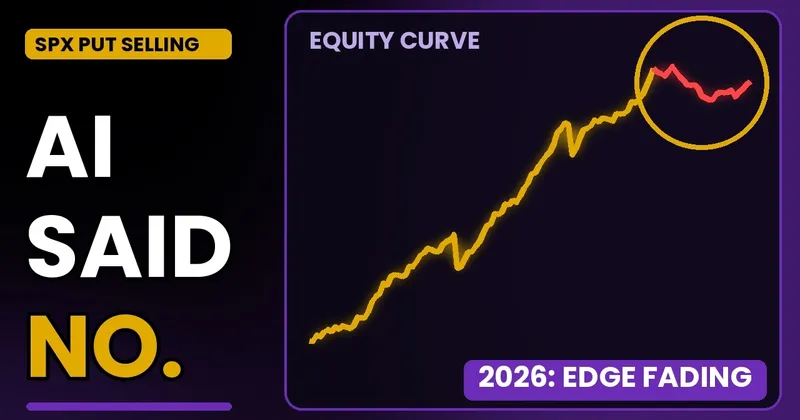
Last, Romeo ran TradeBlocks’ edge decay tools, about five or six analyses including a Monte Carlo and a walk-forward analysis. Profit factor and net P&L were both down in 2026, the backtest’s weakest year at the time at about $14 per trade, compared with its strongest years in 2023 and 2024. Each extra 5 cents of slippage cost $5 per trade. Romeo passed. The full breakdown is in our write-up of this strategy.
Making the workflow stick
- Save what you learn. Romeo suggested asking the AI how to save learnings so it follows the same process next time. That can mean memories, CLAUDE.md or AGENTS.md files, or building skills.
- Iterate either way. Any saved test’s URL can go back into Claude for more work, and anything Claude saves can be opened and edited in Option Omega.
- Ask it to explain. Both hosts ask for plain explanations, with prompts like “explain it to me like I’m 10”, “explain it like you’re Ernest Hemingway”, or as an episode of Star Trek: The Next Generation.
Key takeaways
- Connecting the Option Omega MCP to Claude takes a custom connector and your existing OO login.
- TradeBlocks 4.0 installs from one prompt and can run locally, so your data stays on your machine.
- Romeo states the outcome he wants, and here he analyzed the existing trades before generating new variants.
- When the AI found a good setting, a wide Optimizer sweep put it in context: 3% looked less special, and 0% looked strongest in this backtest.
- The exposure check, edge decay and slippage analysis led Romeo to pass on the trade.
The MCP is available now on the Option Omega MCP page. Start a free trial to connect it, and share what you build in the Discord.
Watch the full video: AI Can Now Backtest Your Options Strategies (Live Demo).
Backtest results are hypothetical and do not guarantee future performance. Options trading involves substantial risk.